

Introduction
Salesforce has introduced “Personal Labels” feature in Summer’24. Your users can create their own personal labels and tag records using that label. These organized records with can be found quickly by going into that specific label. This allows each user to organize their business critical records themselves, in their own way.
These labels will be accessible to only the one who created it. When users add labels to records, they can quickly view all records with a specific label, as well as the list of labels they’ve created. Each user creates and manages their own set of labels.
Supported Objects
You can add labels to records on these objects.
- Account
- Cadence
- Cadence Step Tracker
- Call Script
- Campaign
- Contact
- Case
- Email Template
- Lead
- Opportunity
- Orchestration Work Item
- Task
- Custom objects
NOTE: Personal labels added to records are separate from Topics, which other users can see.
Steps to try it!
- Go to App Launcher >> Labels
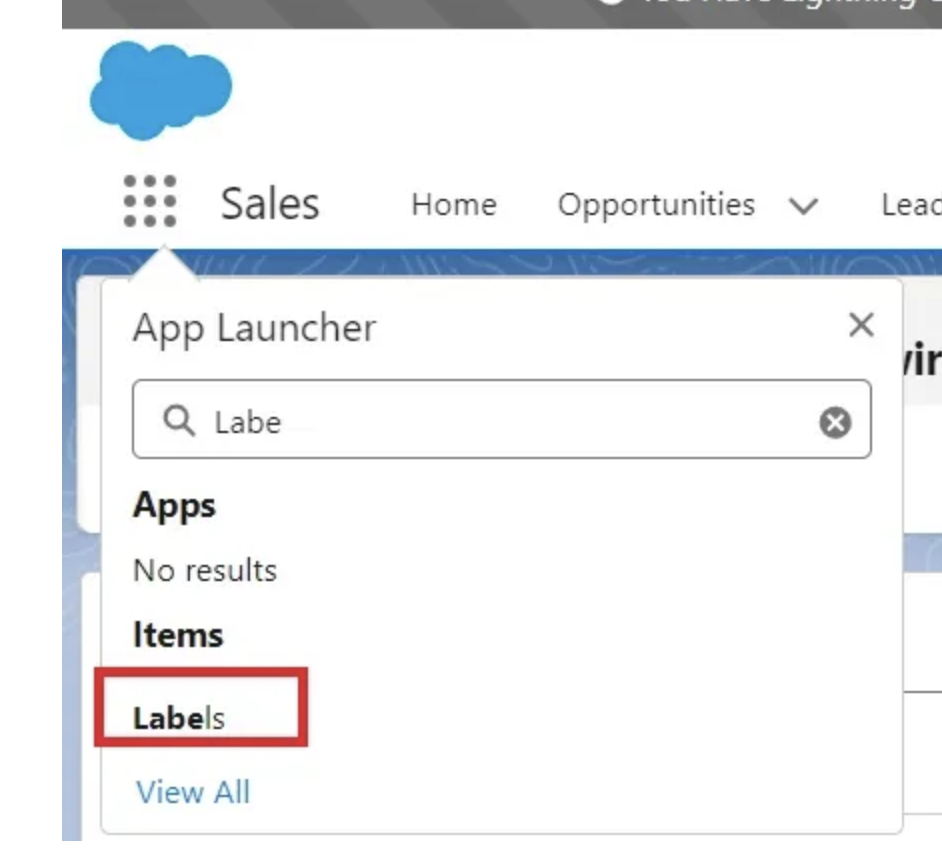
- Create a new Label based on your need

- Assign Records to this label using button.
- Add this label on any Lightning Page as below:

- Add this label on any Lightning Page as below:
Limitation – room of improvement
- It would have been a “wow” if there was a way to automatically assign the records.
- Each user can create up to 20 labels per object and a total of up to 200 labels. Users can assign each label to up to 500 records. Record labels are separate from To Do List item labels, which are limited to 10 per user. Labels don’t count against your organization’s data storage limits.
- The Label object can’t be edited with the Object Manager. The page layout for label records also isn’t editable.
Technical Details
- Standard object behind this is: UserDefinedLabel.
- Records assigned to a label is tracked in this Object:UserDefinedLabelAssignment
- You can build some customization to automatically create the label and assign records using LWC/Flow/Apex.